0of13read0 XP
The Cloud: the Payoff + Capstone
You can explain what "the cloud" really is, using the pieces you already learned: storage, an account, a key, and a network, all sitting behind your login.
- Time
- ~15-20 min
- Type
- review
- Bloom
- Apply → Create
- XP
- 100

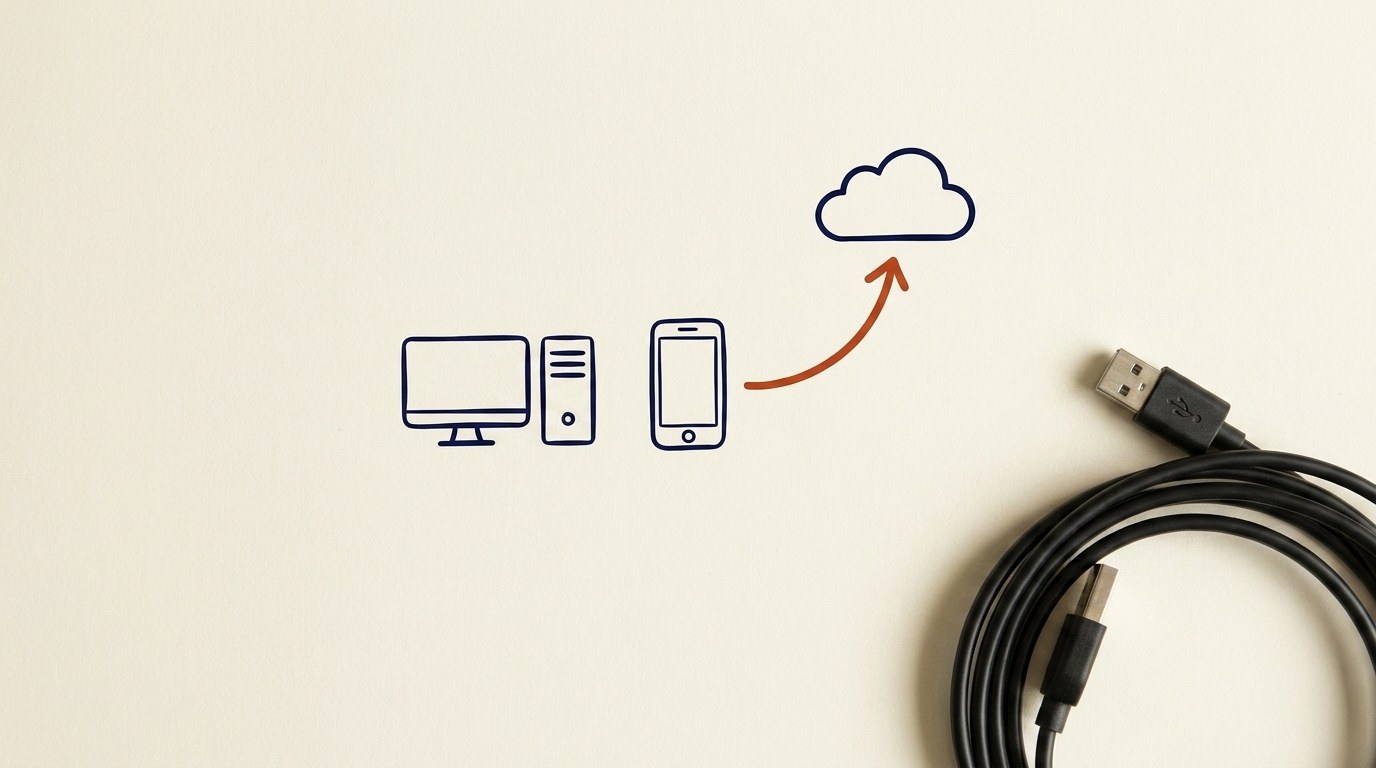
Architecture diagram for The Cloud: the Payoff + Capstone. You can explain what "the cloud" really is, using the pieces you already learned: storage, an account, a key, and a network, all sitting behind your login.
You'll be able to
- You can explain what "the cloud" really is, using the pieces you already learned: storage, an account, a key, and a network, all sitting behind your login.
- You can make a short inventory of your own devices, your accounts, and where your important data actually lives.
- You can name your first three moves if something goes wrong with an account.
- You can take two quiet habits that shrink your risk: close old accounts, and sign out of shared computers.
- You can walk into "Getting Ready for AI" Module 2 knowing the ground you are standing on.
Key concepts · tap to reveal
1/13·Idea·Beat 1 · Hook
0%
Idea
01 / 13
The last piece ties the rest together
This is the last lesson in Digital Foundations. It does not teach a brand new thing. It ties the threads together and hands you a short, real checklist for your own digital life.
You have heard the word "cloud" a hundred times. Here is the plain version, built only from things you already learned.
Your task Write a prompt that asks Claude to recommend the right AI setup for a real task you're facing — then weigh its answer against this lesson, "The Cloud: the Payoff + Capstone."
a strong prompt:role · context · task · format · example
Exercise · scenario
Make the three lists from the capstone right now: devices, accounts, where important data lives. Then circle two things on the page: one important file that has only one copy (back it up this week), and one old account or signed-in device you can close today. Two small actions, done today, beat a perfect plan you never start.
Deliverable
Complete the hands-on task on your own device and note what you did, so the skill sticks.
Common misconceptions
“Thinking "the cloud" is safe just because it is the cloud”
It is someone else's computer, reached over the network, behind your login. If a stranger gets your password, they reach all of it. Protect the login like the front door it is.
“Changing your password from the same device that might be hacked”
If the device itself is compromised, your new password can be captured too. Use a clean device you trust, then change it.
“Leaving old accounts and old logins lying around”
Every forgotten account and every still-signed-in shared computer is an open door you stopped watching. Close them.
Quiz · adaptive · 5 items
Mastery check
Match each term to its definition. Pass at 80% to earn the lesson's XP and unlock the next.
Sources
- [1]NIST CSF v2·NIST CSF v2, RS: Respond, function. Having and acting on a response plan for a detected incident. (CP-256906) (n.d.) · Standards
- [2]CIS Controls v8·CIS Controls v8, 17.2, Establish and Maintain Contact Information for Reporting Security Incidents. (CP-256903) (n.d.) · Standards
- [3]CIS Controls v8·CIS Controls v8, 17.3, Establish and Maintain an Enterprise Process for Reporting Incidents. (CP-256909) (n.d.) · Standards
- [4]GCFGlobal·GCFGlobal, Computer Basics: Understanding the Cloud (n.d.) · Vendor
- [5]FTC Consumer Advice·FTC Consumer Advice, How To Recover Your Hacked Email or Social Media Account (n.d.) · Standards
- [6]FTC Consumer Advice·FTC Consumer Advice, How to recover from identity theft (n.d.) · Standards
Submit your work for review
Paste your capstone artifact below. You'll get back a 4-level rubric grade, per-criterion feedback, and three concrete edits to strengthen it.