0of13read0 XP
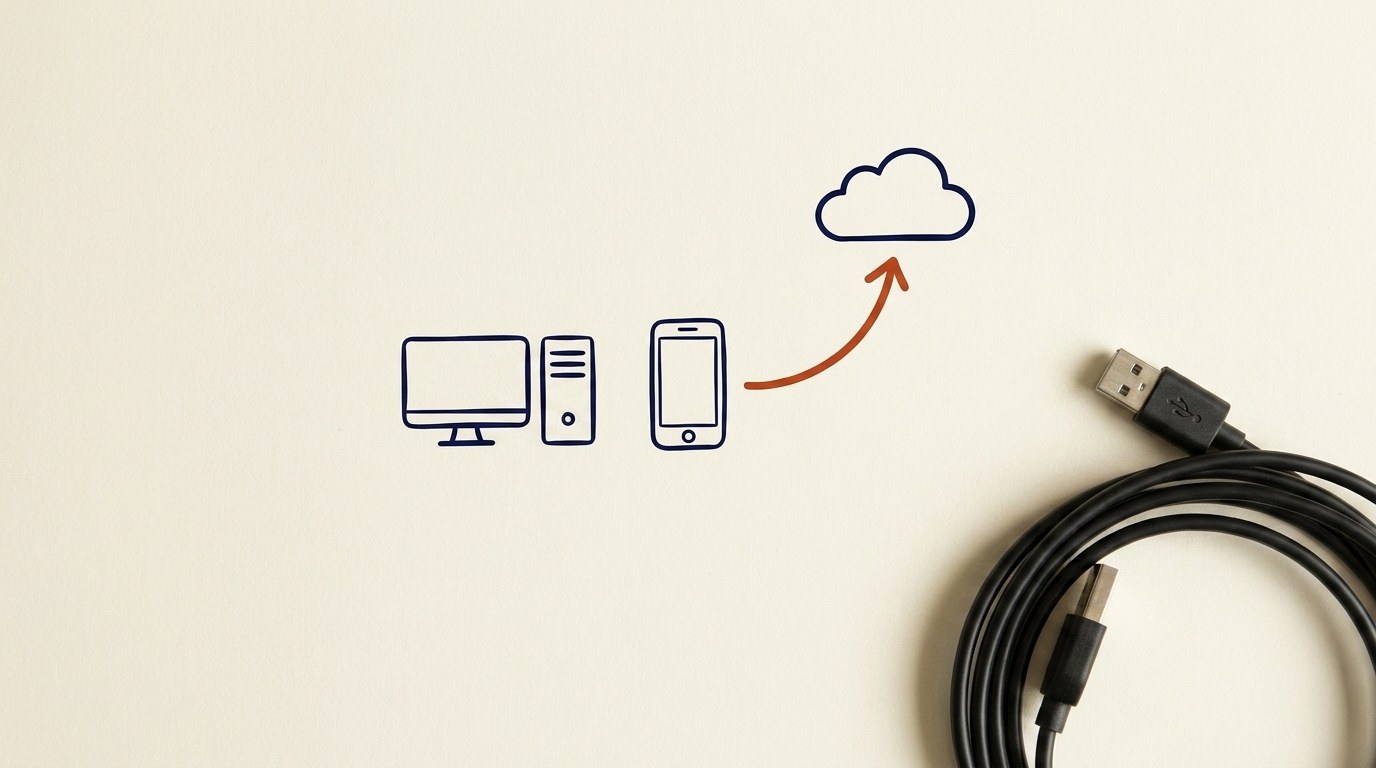
Working Safely with AI Tools
You can tell the difference between a prompt, an upload, and a file, and explain what each one hands to the AI.
- Time
- ~15-20 min
- Type
- exercise
- Bloom
- Apply → Create
- XP
- 100

Architecture diagram for Working Safely with AI Tools. You can tell the difference between a prompt, an upload, and a file, and explain what each one hands to the AI.
You'll be able to
- You can tell the difference between a prompt, an upload, and a file, and explain what each one hands to the AI.
- You can explain why a screenshot counts as an upload, not just a picture.
- You can run the paste/upload safety check before you share anything: is this mine to share, would I email it to a stranger, does it name a real person, price, or secret?
- You can tell the difference between free and paid accounts, and personal and work accounts, and say what the tool may do with what you type.
Key concepts · tap to reveal
1/13·Idea·Beat 1 · Hook
0%
Idea
01 / 13
Three doors, not one
An AI chat tool feels like texting a very fast helper. But under the hood, you give it information in three different ways. Knowing which one you are using tells you how much you are sharing.
Think of it like a conversation at a coffee shop. A prompt is you talking out loud. An upload is you sliding a folder across the table. A file is the folder still in your bag, private right up until you slide it across.
The door you pick decides how much leaves your hands. This card teaches you to notice which door you just opened.
Your task Write a prompt that asks Claude to recommend the right AI setup for a real task you're facing — then weigh its answer against this lesson, "Working Safely with AI Tools."
a strong prompt:role · context · task · format · example
Exercise · audit
Open the settings page of an AI tool you use, free or paid. Find the "Data Controls" or "Privacy" section. Look for a switch about using your chats to improve or train the model. You do not have to change it. Just see whether it is on or off, and now you know it exists and where to find it. Then take any screenshot you have sent recently and look at all four edges. Is there anything in a corner you did not mean to share?
Deliverable
Complete the hands-on task on your own device and note what you did, so the skill sticks.
Common misconceptions
“Thinking a screenshot is safer than a file”
It is the same upload. Check the whole image, corners included, before you send it.
“Assuming "I paid for it, so it's private."”
Paying usually buys better features, not privacy. The personal-vs-work line is what changes how your data is used, not the free-vs-paid line.
“Pasting a whole document to ask about one part”
You hand over everything in it, not just the part you asked about. Trim it to the part you need, and strip real names, prices, and secrets first.
Quiz · adaptive · 5 items
Mastery check
Match each term to its definition. Pass at 80% to earn the lesson's XP and unlock the next.
Sources
- [1]CIS Controls v8·CIS Controls v8, 14.5 Train Workforce Members on Causes of Unintentional Data Exposure: mis-delivery of sensitive data and publishing dat... (CP-256951) (n.d.) · Standards
- [2]Data Usage for Consumer Services FAQ (OpenAI Help Center)·Data Usage for Consumer Services FAQ (OpenAI Help Center) (n.d.) · Research
- [3]Is my data used for model training? (Anthropic / Claude Privacy Center)·Is my data used for model training? (Anthropic / Claude Privacy Center) (n.d.) · Research
Submit your work for review
Paste your capstone artifact below. You'll get back a 4-level rubric grade, per-criterion feedback, and three concrete edits to strengthen it.