0of11read0 XP
How Your Device Talks to the Internet
You can explain what wifi is and how your phone or laptop joins a wifi network.
- Time
- ~15-20 min
- Type
- concept
- Bloom
- Understand → Apply
- XP
- 100

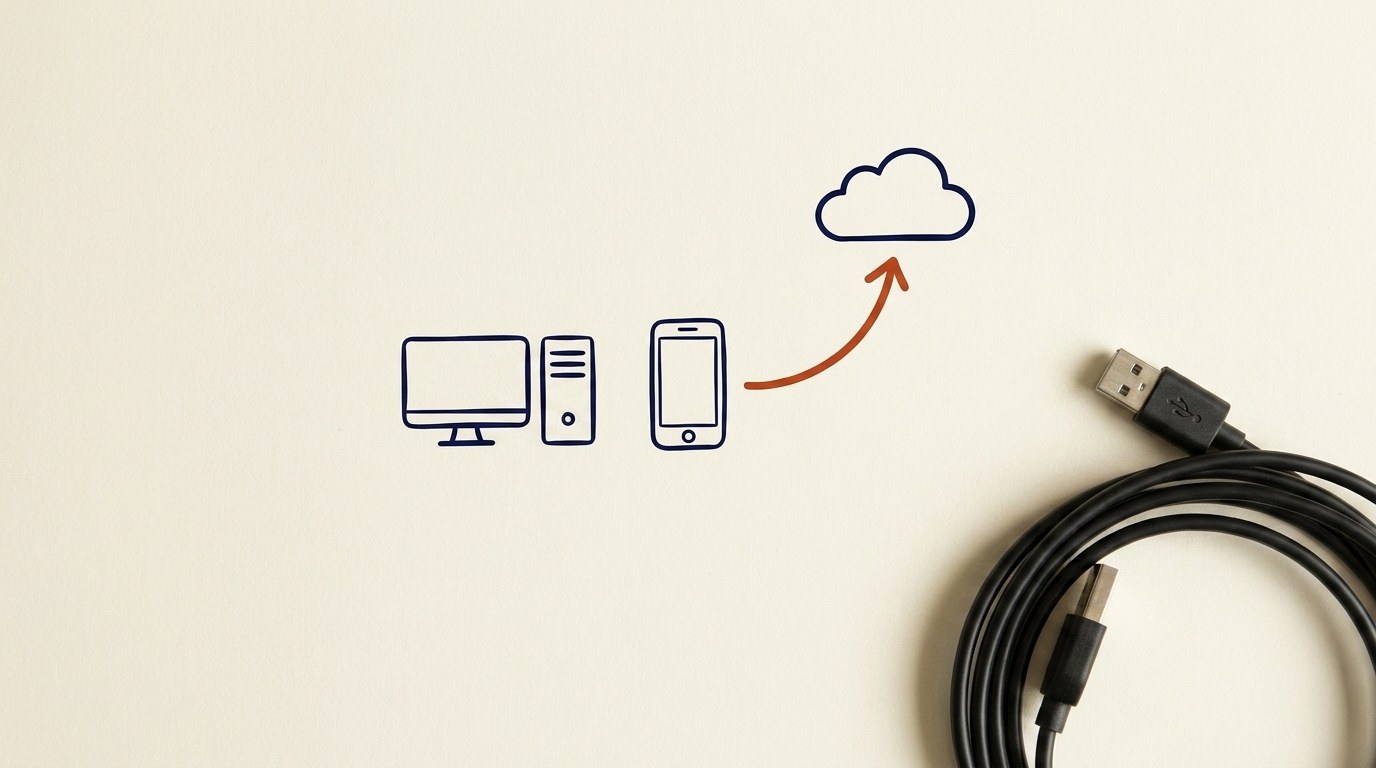
Architecture diagram for How Your Device Talks to the Internet. You can explain what wifi is and how your phone or laptop joins a wifi network.
You'll be able to
- You can explain what wifi is and how your phone or laptop joins a wifi network.
- You can explain what an IP address is and why your device needs one.
- You can explain what DNS does when you type a website name.
- You can describe the round trip: your device asks, a far-away computer answers.
- You can tell the difference between your home network and the internet, and explain what the router and modem do in between.
Key concepts · tap to reveal
1/11·Idea·Beat 1 · Hook
0%
Idea
01 / 11
It is not magic
When you tap an app or open a website, it feels like magic. It is not magic. It is a few simple steps, and once you see them, the whole thing makes sense.
This lesson walks you through what happens between your device and the internet: how your phone or laptop joins wifi, what an IP address is, what DNS does when you type a website name, and how a request goes out and an answer comes back.
Your task Write a prompt that asks Claude to recommend the right AI setup for a real task you're facing — then weigh its answer against this lesson, "How Your Device Talks to the Internet."
a strong prompt:role · context · task · format · example
Exercise · scenario
On your phone or laptop, open your wifi settings. Find the name of the network you are connected to. Then look for an option like "Network details," "Info," or the small "i" icon next to the network, and find your IP address. Notice the numbers. You just located your device's mailing address on your home network. You do not need to change anything. The goal is to see that it is real and that it is there.
Deliverable
Complete the hands-on task on your own device and note what you did, so the skill sticks.
Common misconceptions
“Mixing up the network name and the password”
The network name is what you pick from a list. The password is the secret you type to get in. They are two different things.
“Assuming public wifi is safe because it is free”
Free does not mean private. On open networks at cafes or airports, hold off on banking and other sensitive logins, or use a VPN.
“Thinking the website name is the same as the IP address”
The name is for you to remember. The IP address is the number the machines actually use. DNS connects the two for you, so you never have to.
Quiz · adaptive · 4 items
Mastery check
Match each term to its definition. Pass at 80% to earn the lesson's XP and unlock the next.
Sources
- [1](CIS Control 9.2·(CIS Control 9.2, Use DNS Filtering Services). Grounds what DNS servers are used for. (CP-256971) (n.d.) · Standards
- [2](CIS Control 4.9·(CIS Control 4.9, Configure Trusted DNS Servers). Grounds the role of DNS lookups. (CP-257050) (n.d.) · Standards
- [3](CIS Control 12.7·(CIS Control 12.7, Remote Devices Use a VPN). Grounds the VPN point. (CP-256970) (n.d.) · Standards
- [4](CIS Control 14.8·(CIS Control 14.8, Dangers of Insecure Networks). Grounds the public wifi risk. (CP-256945) (n.d.) · Standards
- [5](CIS Control 12.6·(CIS Control 12.6, Secure Network Protocols, WPA2). Grounds wifi password security. (CP-256950) (n.d.) · Standards
- [6]Mozilla MDN·Mozilla MDN, "How does the Internet work." IP address, router, modem, request and response round trip. (n.d.) · Vendor
- [7]Mozilla MDN·Mozilla MDN, "What is a domain name." DNS name-to-number lookup, phone book analogy. (n.d.) · Vendor
Submit your work for review
Paste your capstone artifact below. You'll get back a 4-level rubric grade, per-criterion feedback, and three concrete edits to strengthen it.