0of11read0 XP
Keys, Secrets & Tokens
You can explain what a key, secret, or token is in plain words: a password that a program uses.
- Time
- ~15-20 min
- Type
- exercise
- Bloom
- Apply → Create
- XP
- 100

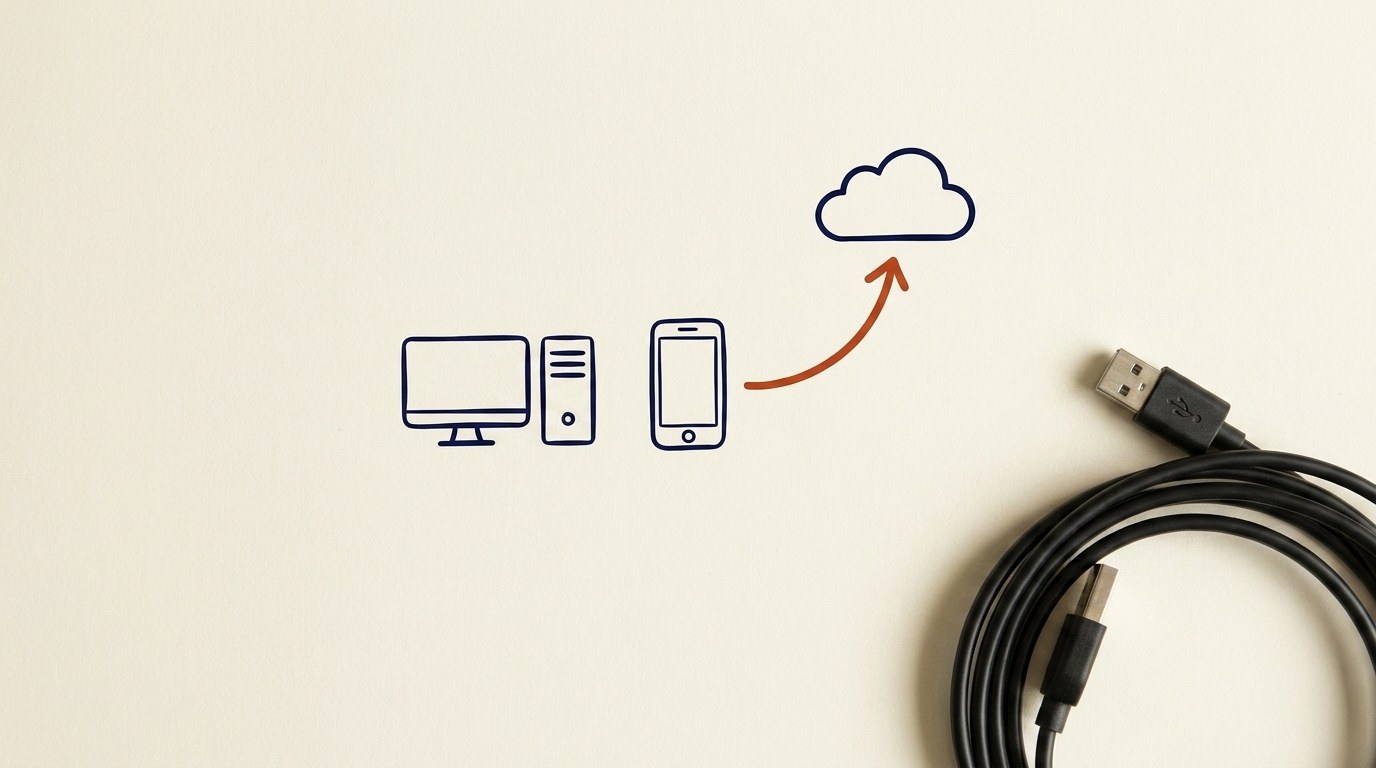
Architecture diagram for Keys, Secrets & Tokens. You can explain what a key, secret, or token is in plain words: a password that a program uses.
You'll be able to
- You can explain what a key, secret, or token is in plain words: a password that a program uses.
- You can recognize one on sight, like `API_KEY`, `token`, or a string that starts with `sk-`.
- You can say why it is sensitive and name one real consequence of it leaking.
- You can name the two places to never put a key, and the safe place to put it instead.
- You can react the right way if a key gets exposed: treat it as burned, then revoke and rotate it.
Key concepts · tap to reveal
1/11·Idea·Beat 1 · Hook
0%
Idea
01 / 11
A password, but for a program
You already know what a password is. You type it to log in to your email or your bank.
A key, a secret, or a token is the same idea, but for a program instead of a person. When one app needs to talk to another app, it does not sit at a keyboard and type a password. It sends a long string of letters and numbers to prove "I am allowed to do this." That string is the key.
Think of a hotel key card. The card does not know your name. It just opens certain doors. Anyone holding the card can open those doors. A key, secret, or token works the same way. Whoever holds it gets the access it grants, no questions asked.
Your task Write a prompt that asks Claude to recommend the right AI setup for a real task you're facing — then weigh its answer against this lesson, "Keys, Secrets & Tokens."
a strong prompt:role · context · task · format · example
Exercise · audit
Open the settings or "API keys" page of any service you use that has one (an AI tool, a cloud account, an email-sending service). Find where it lists your keys. Notice two buttons that are almost always there: one to **create a new key**, and one to **revoke** or **delete** an existing one. You do not have to click anything. Just confirm you know where those two buttons are. That is the exact place you would go if a key ever leaked.
Deliverable
Complete the hands-on task on your own device and note what you did, so the skill sticks.
Common misconceptions
“Pasting a key into an AI chat to get help”
This is the most common new-person slip. If you need help with an error, replace the key with `YOUR_KEY_HERE` before you paste the rest.
“Thinking "I deleted the file, so I'm fine."”
You are not. If the key was ever shared or posted, copies may exist. Revoke and rotate the key, do not just delete the file.
“Treating a token as safer than a key because it expires”
A token still grants access while it is alive. Protect it exactly like a key.
Quiz · adaptive · 5 items
Mastery check
Match each term to its definition. Pass at 80% to earn the lesson's XP and unlock the next.
Sources
- [1]AWS·AWS, Security credentials management (Amazon Bedrock AgentCore): credentials control access to resources. (CP-256388) (n.d.) · Vendor
- [2]OWASP·OWASP, Authentication Cheat Sheet: authenticators include passwords and security tokens. (CP-257090) (n.d.) · Standards
- [3]NIST CSF v2·NIST CSF v2, PR.AA-01: identities and credentials are managed by the organization. (CP-256821) (n.d.) · Standards
- [4]CIS Controls v8·CIS Controls v8, 6.2 Establish an Access Revoking Process: revoke access promptly. (CP-257009) (n.d.) · Standards
- [5]Remediating a leaked secret in your repository (GitHub Docs)·Remediating a leaked secret in your repository (GitHub Docs) (n.d.) · Vendor
- [6]Storing your secrets safely (GitHub Docs)·Storing your secrets safely (GitHub Docs) (n.d.) · Vendor
Submit your work for review
Paste your capstone artifact below. You'll get back a 4-level rubric grade, per-criterion feedback, and three concrete edits to strengthen it.