0of14read0 XP
Storage, Backups & Sharing
You can explain what "save" actually does to a file.
- Time
- ~15-20 min
- Type
- concept
- Bloom
- Understand → Apply
- XP
- 100

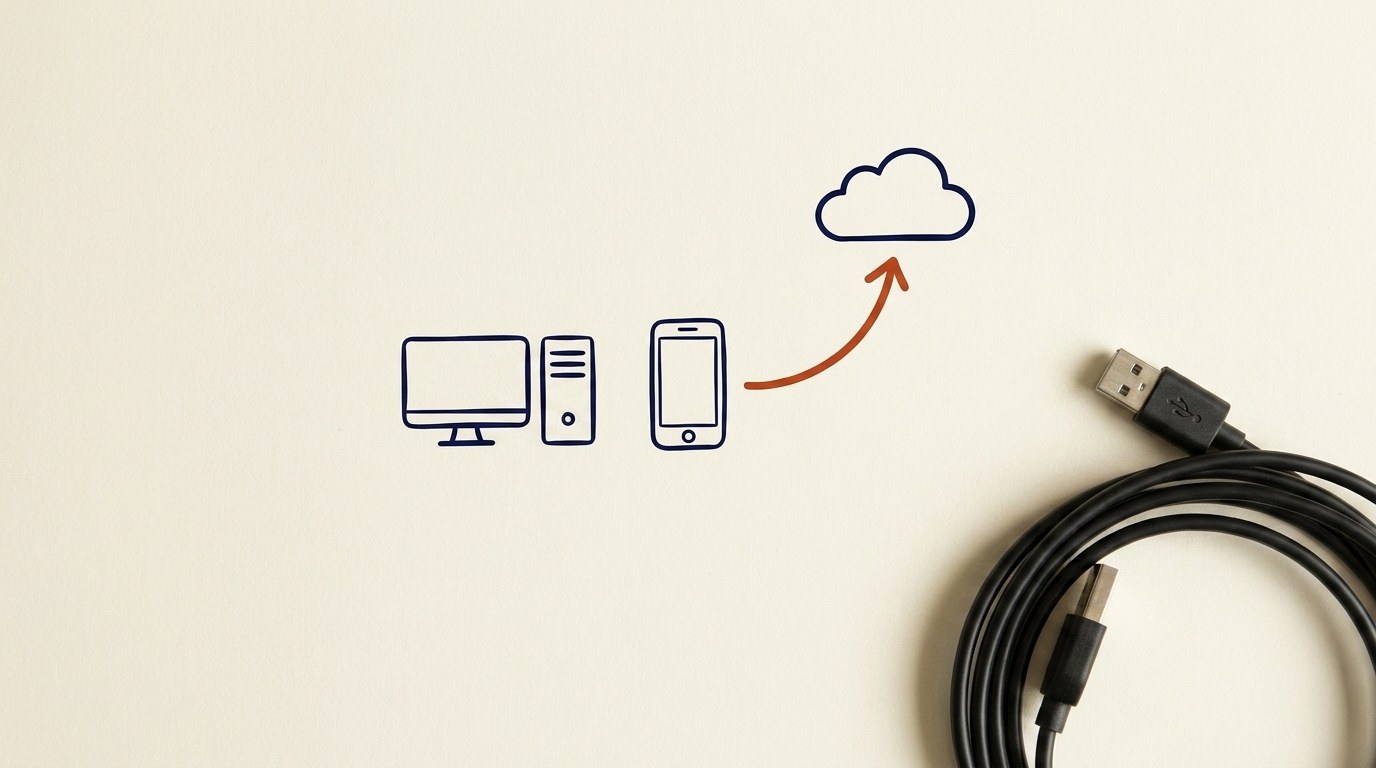
Architecture diagram for Storage, Backups & Sharing. You can explain what "save" actually does to a file.
You'll be able to
- You can explain what "save" actually does to a file.
- You can name the three places a file can live and tell them apart.
- You can explain the difference between local and cloud, and why "the cloud" is just someone else's computer.
- You can say the 3-2-1 backup rule in your own words.
- You can write a simple backup plan for one file that matters to you.
Key concepts · tap to reveal
1/14·Idea·Beat 1 · Hook
0%
Idea
01 / 14
What "save" really does
You will be able to explain what "save" actually does to a file. You will also be able to tell the difference between sending a file and sharing a link, pick the right "view" or "edit" permission, and understand what a shared drive is.
When you work on a document, the words you type live in the computer's short-term memory. Think of it like writing on a whiteboard. It is right there in front of you, but if the power goes out, the whiteboard gets wiped.
When you hit Save, the computer copies what is on the whiteboard into a notebook that does not get wiped when the power goes off. That notebook is called storage. The file now has a name and a home, and it will still be there tomorrow.
Your task Write a prompt that asks Claude to recommend the right AI setup for a real task you're facing — then weigh its answer against this lesson, "Storage, Backups & Sharing."
a strong prompt:role · context · task · format · example
Exercise · scenario
Pick one file that would genuinely hurt to lose (a resume, family photos, tax records). Write a one-line 3-2-1 plan for it. Example: "My resume lives on my laptop (copy 1), on a USB stick in my desk (copy 2, different kind), and in Google Drive (copy 3, off-site)." Then actually make the two spare copies right now. It takes about five minutes.
Deliverable
Complete the hands-on task on your own device and note what you did, so the skill sticks.
Common misconceptions
“Thinking autosave or "it's in the cloud" equals a backup”
One copy in one place is still one copy. If that account or drive fails, it is gone. You need a *second, separate* copy.
“Sharing a link as "anyone with the link can edit" for private files”
Links get forwarded. Share to named people, and give *view* unless they truly need to change the file.
“Keeping the only copy of important team files on your personal device or account”
When you leave or your laptop dies, the team loses it. Put shared work in a shared drive.
Quiz · adaptive · 5 items
Mastery check
Match each term to its definition. Pass at 80% to earn the lesson's XP and unlock the next.
Sources
- [1]NIST CSF PR.DS-11·NIST CSF PR.DS-11, "Backups of data are created, protected, maintained, and tested" (corpus, public domain) (CP-256829) (n.d.) · Standards
- [2]CIS Control 11.2·CIS Control 11.2, Perform Automated Backups (corpus) (CP-256961) (n.d.) · Standards
- [3]CIS Control 11.4·CIS Control 11.4, Maintain an Isolated Instance of Recovery Data (off-site/offline copies) (corpus) (CP-256953) (n.d.) · Standards
- [4]CIS Control 3.3·CIS Control 3.3, Configure Data Access Control Lists / access permissions (view vs edit basis) (corpus) (CP-257035) (n.d.) · Standards
- [5]CISA·CISA, "Back Up Business Data" (3-2-1 rule, automatic backups, on-site plus remote copies) (n.d.) · Standards
- [6]CISA·CISA, "Back Up Government Data" (3-2-1 backup guidance) (n.d.) · Standards
Submit your work for review
Paste your capstone artifact below. You'll get back a 4-level rubric grade, per-criterion feedback, and three concrete edits to strengthen it.