0of14read0 XP
Orientation: a day in your digital life
You can name the five everyday tools you already touch: your device, your accounts, your browser, your files, and the internet.
- Time
- ~15-20 min
- Type
- concept
- Bloom
- Understand → Apply
- XP
- 100

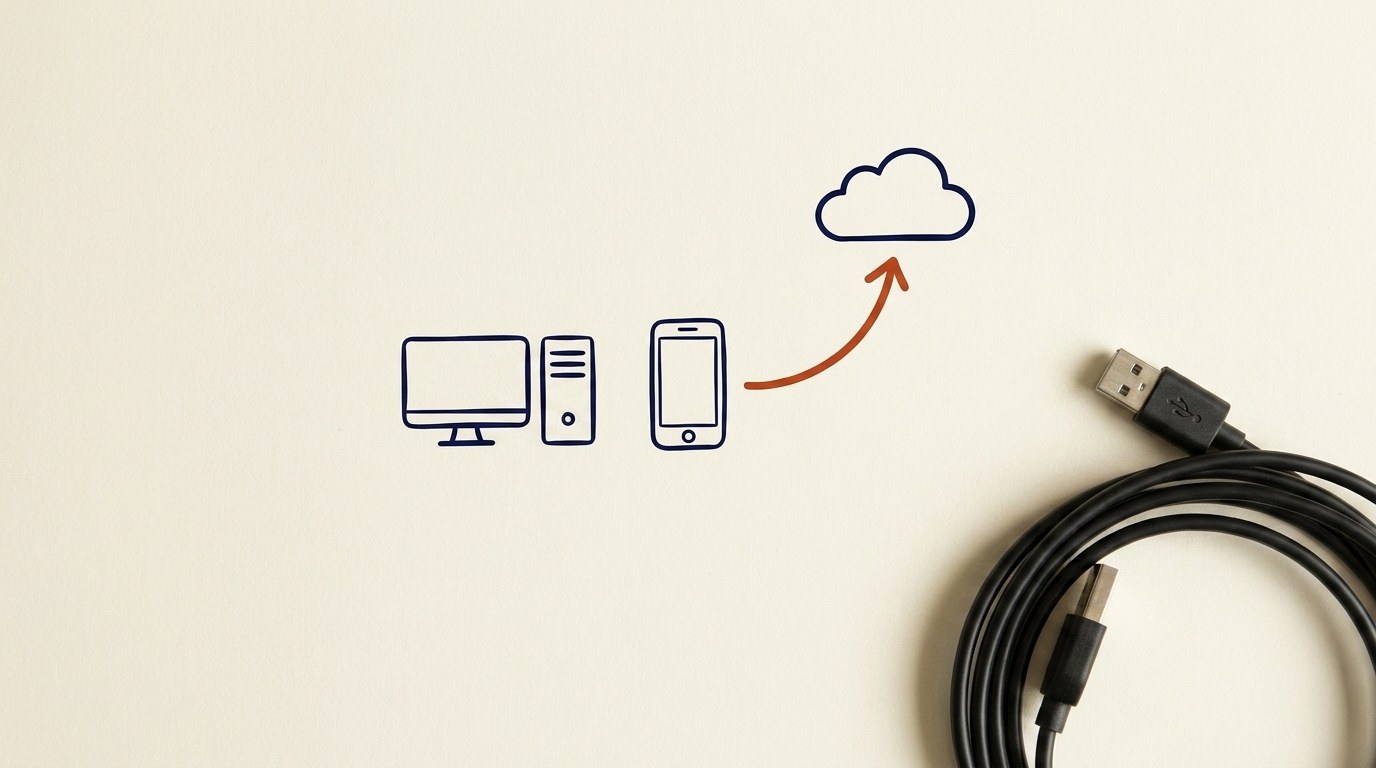
Architecture diagram for Orientation: a day in your digital life. You can name the five everyday tools you already touch: your device, your accounts, your browser, your files, and the internet.
You'll be able to
- You can name the five everyday tools you already touch: your device, your accounts, your browser, your files, and the internet.
- You can point to where this course is taking you and why each piece matters.
- You can describe what to expect from the course: plain language, hands-on practice, and free.
Key concepts · tap to reveal
1/14·Idea·Beat 1 · Hook
0%
Idea
01 / 14
Welcome, and you already do this
Welcome. This is the first lesson in the "Getting Ready for AI" path, and it is free. You do not need to be technical. If you can send a text and check email, you already use everything we cover here.
The goal of this lesson is simple. By the end, you will see the tools you already use every day with fresh eyes, and you will know where we are headed.
Let's walk through one ordinary morning.
Your task Write a prompt that asks Claude to recommend the right AI setup for a real task you're facing — then weigh its answer against this lesson, "Orientation: a day in your digital life."
a strong prompt:role · context · task · format · example
Exercise · scenario
Take two minutes and name your own five. On a piece of paper or a note on your phone, write: 1. One device you use every day. 2. One account you would be upset to lose. 3. The browser you use most. 4. One file that matters to you (a photo, a document). 5. One thing you do that needs the internet. That is it. You just mapped your digital life. Keep the list. We will come back to it.
Deliverable
Complete the hands-on task on your own device and note what you did, so the skill sticks.
Common misconceptions
“Thinking "I'm not a tech person, so this isn't for me."”
This course is built for exactly that person. You already use all five tools. We are just naming them.
“Mixing up the browser and the internet”
The browser is the window (Chrome, Safari). The internet is the view outside it. They are not the same thing, and seeing the difference makes the rest of the course click.
“Assuming your files are safe just because you can see them”
Being able to open a file today does not mean you have a backup if your phone is lost or stolen. We fix that later. For now, just notice where your important files actually live.
Quiz · adaptive · 3 items
Mastery check
Match each term to its definition. Pass at 80% to earn the lesson's XP and unlock the next.
Sources
- [1]Digital Foundations course design·Digital Foundations course design: device, account, and data fundamentals as the entry module of the Getting Ready to Work with AI pathway. (CP-LDTC-LDTC-LDTC-SUBMISSION-LDTC-605-LDTC605-UNIT1-BUCHANAN) (n.d.) · Research
- [2]Corpus·target audience and learner profile (non-technical adult) for Digital Foundations. (CP-LDTC-LDTC-LDTC-SUBMISSION-LDTC-605-LDTC605-UNIT2-ASSIGNMENT-D) (n.d.) · Research
- [3]CIS Control 9·CIS Control 9, Email and Web Browser Protections (browser/email as everyday risk surface). (CP-257062) (n.d.) · Standards
- [4]GCFGlobal·GCFGlobal, Internet Basics (n.d.) · Vendor
- [5]MDN·MDN, How does the Internet work? (n.d.) · Vendor
- [6]CISA·CISA, Secure Our World (n.d.) · Standards
Submit your work for review
Paste your capstone artifact below. You'll get back a 4-level rubric grade, per-criterion feedback, and three concrete edits to strengthen it.